
AI REMOTE INSPECTIONS
VIPERPRO LIVE AI ASSISTANT
Sees, Listens, Suggests
The VIPERPRO AI Assistant supports professionals during remote inspections in real time, without unnecessary interruptions.
The AI Assistant for Remote Inspections
Designed to support professionals during video claims assessments and remote inspections.
It operates in real time, with low latency, as a multimodal AI assistant that analyzes conversations and images to provide practical suggestions and context-aware guidance.
Real-time Operational Support
It follows the inspection as it unfolds, providing intelligent support when needed.

REAL-TIME LISTENING
It listens to the conversation between the professional and the person on site.

VISUAL ANALYSIS
It analyzes what the camera captures during the inspection.

CONTEXT-AWARE SUGGESTIONS
It provides relevant suggestions without unnecessary interruptions.

ANOMALY DETECTION
It flags potential oversights and suspicious anomalies.

ON-DEMAND ASSISTANCE
It responds to direct requests from the professional via chat.

VOICE MODE
When enabled by the professional, the AI can also respond by voice.
AI That Empowers Professionals
It enhances professional expertise and experience while keeping human oversight at the heart of the process.
The professional:
- always maintains full control over the inspection
- receives relevant, context-aware suggestions without unnecessary interruptions
- decides when and how to use the suggestions
- remains responsible for the final assessments
- eceives an automated report summarizing the key points of the inspection
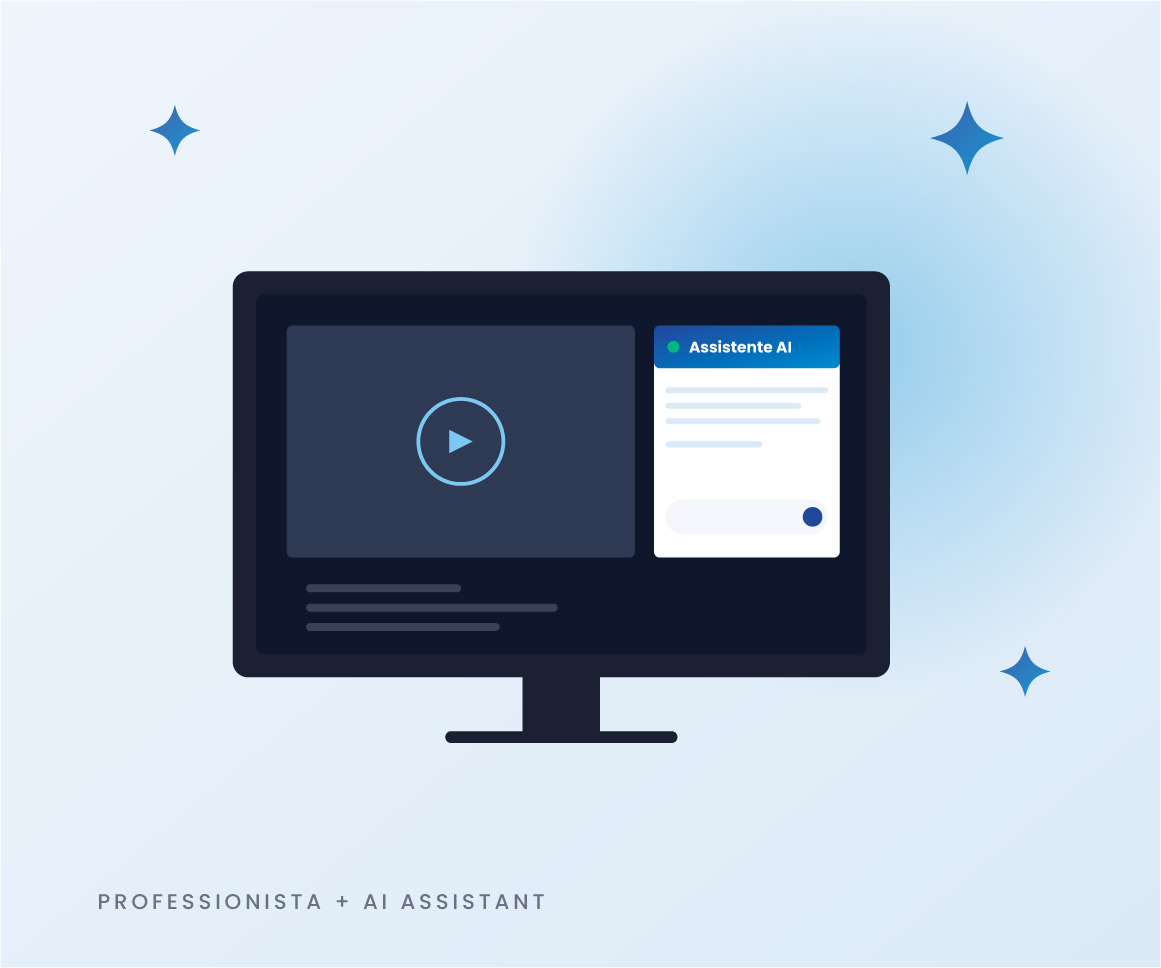
Towards Smarter AI-Assisted Inspections
Our AI Assistant opens up new possibilities for remote inspections. It can also support professionals with:
- Task-Specific Checklists
- Integrated Technical Manuals
- Company Knowledge Bases
- Advanced Fraud Detection Systems
Protected Data, Professional Control
The VIPERPRO Live AI Assistant puts security, privacy, and human oversight first. Personal data and communications are protected through encryption, audio and video streams are processed exclusively in real time, and professionals retain full control over the assistant’s activation and deactivation.
- EPHEMERAL PROCESSING AI processing is temporary: audio and video streams are processed to generate real-time suggestions and are not retained in AI systems once the analysis is complete.
- HUMAN OVERSIGHT The AI Assistant is designed exclusively to support professionals. It provides suggestions but does not make autonomous decisions. Every inspection remains under the professional’s supervision and is validated by them.
- ON-DEMAND ACTIVATION The AI Assistant is activated by the professional and can be deactivated at any time during the inspection.
- NO TRAINING BY DEFAULT By default, data is not used to train AI models. Any training activities may only take place under specific agreements with companies or clients.
- CAREFULLY SELECTED PARTNERS We work with carefully selected technology partners that meet high standards of security and data protection.
- SECURE COMMUNICATIONS, CONTINUOUS MONITORING Communications are protected through encryption and secure protocols, including TLS 1.3. The infrastructure is continuously monitored to detect anomalies, protect the service, and ensure operational continuity.
FAQ
It is a tool designed to support professionals during video claims assessments. It listens to the conversation and analyzes what the camera captures to suggest possible checks, questions, or aspects to investigate further in real time. It does not make decisions on behalf of the professional: it provides operational support.
The AI Assistant can help you:
- Make it easier to prepare the final summary
- Remind you of checks or verifications you may have overlooked
- Suggest questions to ask the person on site
- Highlight potential anomalies or issues
- Identify relevant elements to document in the case file
No. Only the professional can hear and interact with the Assistant.
No. The professional decides whether to activate it for each case.
When enabled, it provides real-time guidance through a dedicated widget, discreetly and without unnecessary interruptions.
You can also interact with the Assistant via chat or enable voice responses.
No. You must activate it before connecting with the client.
Once you click the Connect button, you can no longer activate it.
Yes. You can deactivate it at any time by clicking the dedicated button in the widget.
Like any AI system, it may occasionally provide inaccurate suggestions. For this reason:
- The professional always remains responsible for the assessment
- The AI only provides supporting guidance
No. You can continue working exactly as you normally do.
The AI Assistant is designed to fit into your existing workflow, not change it.
The only thing you need to do is activate the Assistant before starting the remote inspection.
Our clients work for: